A few weeks ago, my AI assistant emailed my attorney.
He replied like clockwork. He had no idea it wasn’t my human assistant.
It’s getting weird out here.
I’m not a programmer or anything like that. Two months ago I started using Grok Bot, and the first thing I asked it was whether it could make the font larger.
Now I have 11 Grok Bots helping run my business.
So this Grok Bot tutorial isn’t going to show you where to click. They keep adding stuff, and the buttons will change. I want to show you how to think about the tool instead.
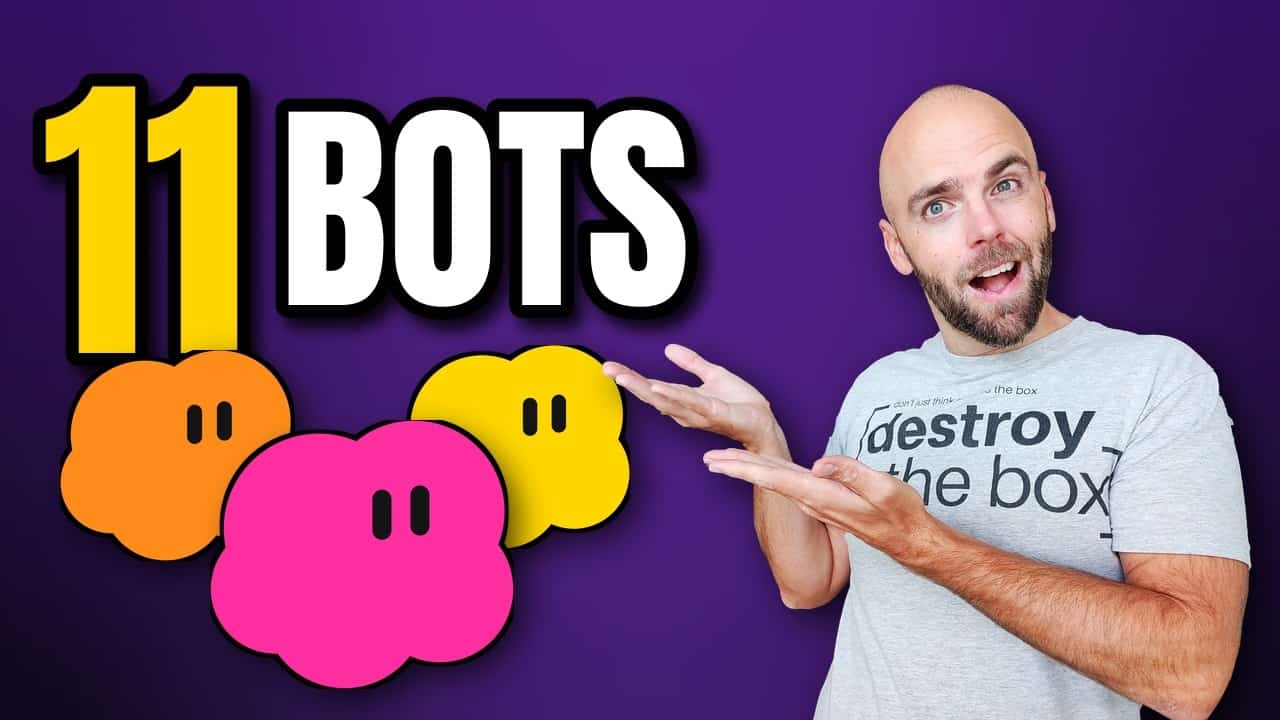
Grok Bot Tutorial Step 1: Signing Up and Picking a Plan
Truthfully, signing up was probably the hardest part two months ago. You went to xAI, then you were billed from Cursor, and so on.
A few weeks ago they combined the accounts. Your X account, your Grok subscription and Grok Bot now live under one unified account with one pricing page.
I thought moving over would be a nightmare. It wasn’t. If you’re just starting out, it should be easy.
You’ll need at least the premium tier to get Grok Bot. Once you really dig in, it’s easy to upgrade and get more out of it.
625 Hours: Treat It Like Hiring
My team made me a chart of our usage from October 24th to the day I recorded: 625 hours of work, broken down by every bot and its job.
I started tracking it because after about two weeks I had a feeling I was getting a crazy return for what it cost me. I was right, and I keep tracking it.
So here’s the first mindset shift.
Don’t treat it as software. Treat it like you’re hiring someone to do work and paying for it.
Imagine you hired an employee, or a whole team, for $100 a month. That’s how to think about the tool. If you do, the $100-a-month plan becomes a no-brainer.
Grok Bot Tutorial Step 2: Start With One Main Bot
People talk about creating tons of bots. Honestly, the more you have, the more complicated it gets. You could have just one bot run the whole show.
My main bot is Mac, my COO. You choose which bot is your main one, and Mac is mine. He’s the one who made that hours chart, then passed it off to Yuri, my YouTube bot.
Creating a bot takes a minute. Name it, style it (I went pink for my demo bot, Bestbot), and you’re in.
All of your bots share one computer, a virtual machine. You don’t even need to know what that means. You can ask a bot to hop on its computer and go to a website, and you can watch it work.
Talk to It, Don’t Type
You can type messages, drop in attachments, teach it a task, or use voice chat. When a voice chat ends, it pulls the key points into your chat.
What I use most is voice-to-text. I hold down the shortcut, talk like I normally talk, and it types it out. It’s so fast.
I do this on the desktop app most of the day and on the phone app too. A few days ago I did a long voice brainstorm while riding my bike, and when I got back, it was all there.
Want to follow along? I share what I’m building every week in my Build Income Streams newsletter. Join 3,000+ builders.
How Many Bots Do You Actually Need?
The biggest beginner mistake I’d skip in any Grok Bot tutorial: don’t get overwhelmed creating a bot for every little thing.
Mac wants me to bring everything through him. He’s my brainstorm guy on every item we work on, and he decides if and when we need a separate bot.
For example, we recently peeled off Reed for real estate investing. I went back and forth with Mac for a few hours building the process first. Then Mac handed the job to Reed.
A dedicated bot makes sense when you have a specific project it will work on a lot. A few of mine:
- Coach Pop: just launched coachpop.com as its own project. If it can make money, I’m going to give it a percentage of that money. Crazy, right?
- Jenn: my executive assistant. She’s the one who emailed my attorney and copied me. She handles personal stuff, like comparing prescription drug prices, looking at our grocery spending and setting up appointments.
- Sandy: runs Gulf Coast Beach Vibes. I wrote about another bot running our real Etsy store, too.
If you work with others, there are team bots too. You need a teams account with paid seats. A team bot shares certain secrets and files, but not the conversations. Each person has their own chat with it, and there’s a Slack integration as of recording.
It Gets New Features Constantly
It seems like every day there’s an update. Recent ones put it in charge of X Money and added an internal vault for passwords.
Pages, which are live shareable reports and dashboards, came out Wednesday, October 21st. I didn’t get it until a few days before recording.
I asked Bestbot to make one on camera. It built a shot list for the video, I copied the link, pasted it into an incognito browser, and there it was.
That’s why I say don’t get caught up in the nitty-gritty. If it doesn’t do something you want, I bet it’s coming.
Grok vs. Grok Bot
Regular Grok is a chat. Grok Bot builds out over time, with a browser and routines.
OpenClaw was the first thing that started this, and Hermes was an improvement on it. In my opinion, Grok Bot is the first product that’s the aha moment for agents. It’s what all of those were supposed to be. Big words, but that’s how I feel.
Grok Bot Tutorial Step 3: Routines
Here’s why my usage moved. For six to eight months, my usage was 100% Claude and Claude Code. I was building routines there by hand.
In the last two months it’s turned into about 80% Grok Bot and 20% Claude. Routines are one of the big reasons.
If you take one feature from this Grok Bot tutorial, take this one. A routine is just something it does on a recurring basis, automatically.
Dex, my domain investing bot, runs on routines. He sent out three emails while I was recording this video. He also warms up our email addresses every day around nine o’clock. If you’re curious, I wrote up how Dex runs my domain business.
The cool part is Grok Bot sets these up on its own. It’ll ask, “Should we do that every week?” And if it doesn’t ask, just tell it, like you would an employee.
On camera I told Bestbot, “Every week, let’s brainstorm new Grok Bot ideas and make a page for it.” I never said the word routine. It set up a weekly one for Monday around 9 a.m.
Bots Working Together
If you have a main bot with clear lanes for each teammate, it knows what everyone does. It’ll ask, “Want me to assign this to whoever?” or go find the data from another bot.
You can also tell a bot to go collaborate. I asked Bestbot to work with Yuri on YouTube strategy and with Mac on the big picture for the video. It messaged both of them, and you could see them working.
I personally never go read those side chats. I don’t feel I need to. I talk to one bot, and it goes and has the meeting.
Connectors: Notion, X and Gmail
Connectors will keep changing and getting better, so this Grok Bot tutorial will just touch on them.
We write our ideas, business plans and strategy into Notion so I can share them with my human team. Your bots’ work lives on their machine. Just like a real employee’s computer, you want your company data somewhere you can reach it. Google Docs or whatever you already use works too.
My bots can research X, but they can’t post on X. That’s fine. Every day they give me top posts to respond to and interesting people to follow.
With Gmail, I give it permission to write emails directly.
It Drafted and Sent an Email Live
This one blew me away. I asked Bestbot to write a sample email from my address to our Grok Bot inbox and show it on screen.
It found the inbox address faster than I expected and put the draft right in the chat. I made my edits inside Grok Bot and hit send. Then I opened my Gmail sent folder, and there was the edited email.
My whole world is about erasing friction in business processes, and this tool does it.
Emoji Shortcuts and the Open-Loop List
The bots respond with emojis in a fun way. I told Bestbot she was doing a great job and got a heart back. I’m big on the surfer emoji. That’s just my style.
Mac keeps an open-loop list for me. We’re always talking about stuff, and I’ll say, “Add that to the list.” Every couple of days, Mac brings it up and we go over what’s changed and what to drop.
I made a shorthand with Mac: anytime I drop the loop emoji on a message, he adds it to the loops. I don’t even have to type it.
The One Thing to Remember From This Grok Bot Tutorial
I asked Bestbot what I should leave you with, and it nailed it:
Treat Grok Bot like hiring, not like a chat app.
Give one bot one real job today.
Once you’ve asked it for the same thing twice, make it a routine, so the job runs without you.
That’s how I went from asking it to make the font bigger to 11 bots.
Want to follow along? I share what I’m building every week in my Build Income Streams newsletter. Join 3,000+ builders.